Flagging feature (secretaries)
1. Open the Secretarial Interface
The flagging feature allows you to report errors or bugs in consultation documents. You may need to flag an issue if you notice an error yourself or if your doctor has mentioned a mistake but hasn’t had the chance to flag it.
How to Flag an Error
- Open the Secretarial Interface
- Log in to your account and access the secretarial dashboard.
- View the Consultation Document
- Select"View Consult" to review the relevant documents.
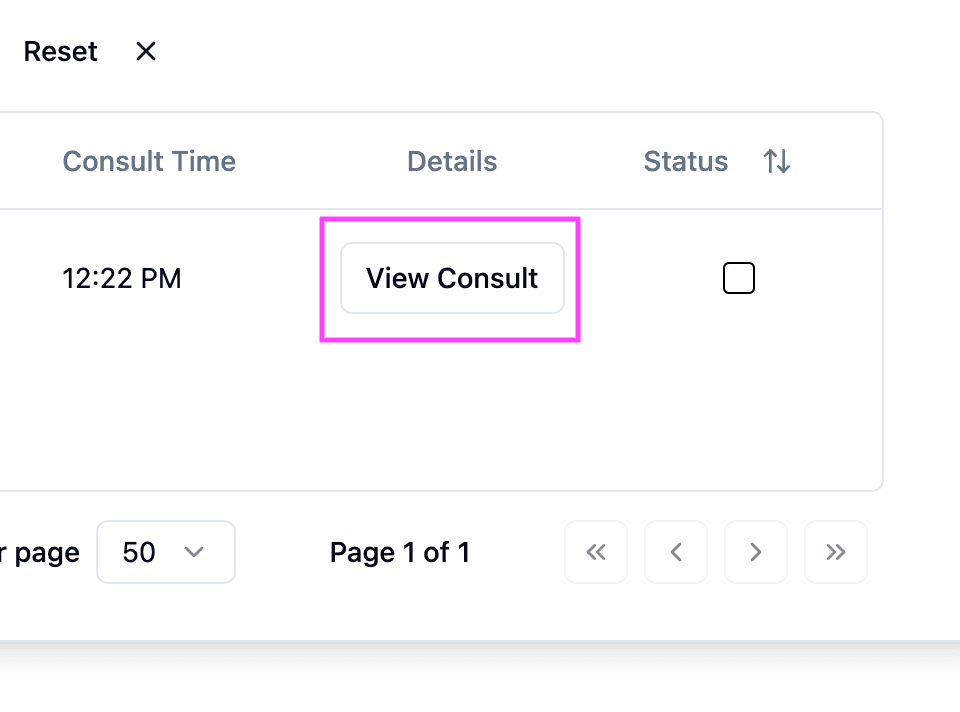
View consult screenshot
- Flag the Document
- In the top right corner of the document, click"Flag".
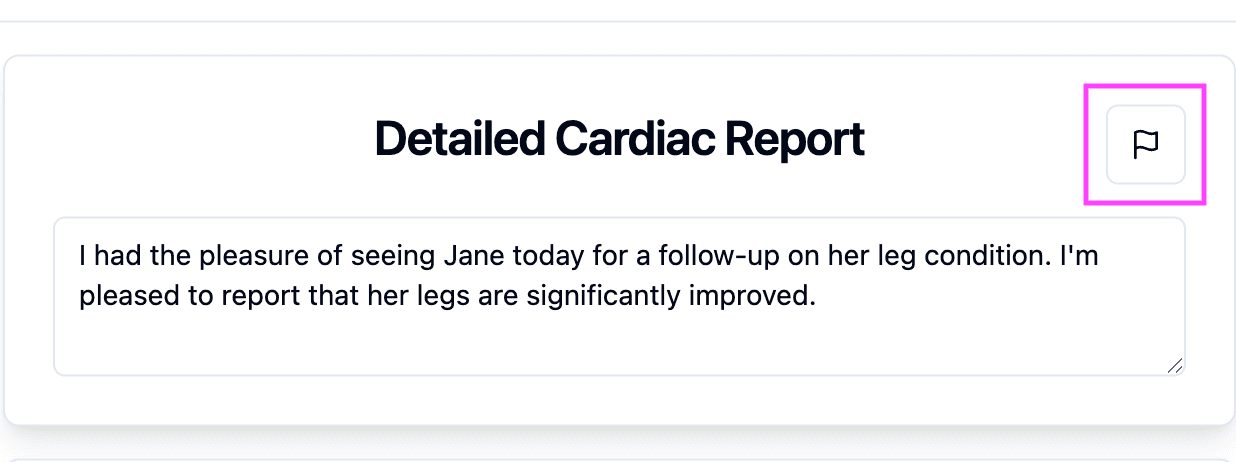
Flag screenshot
- Enter Error Details
- Describe the issue in the provided field. Be as specific as possible.
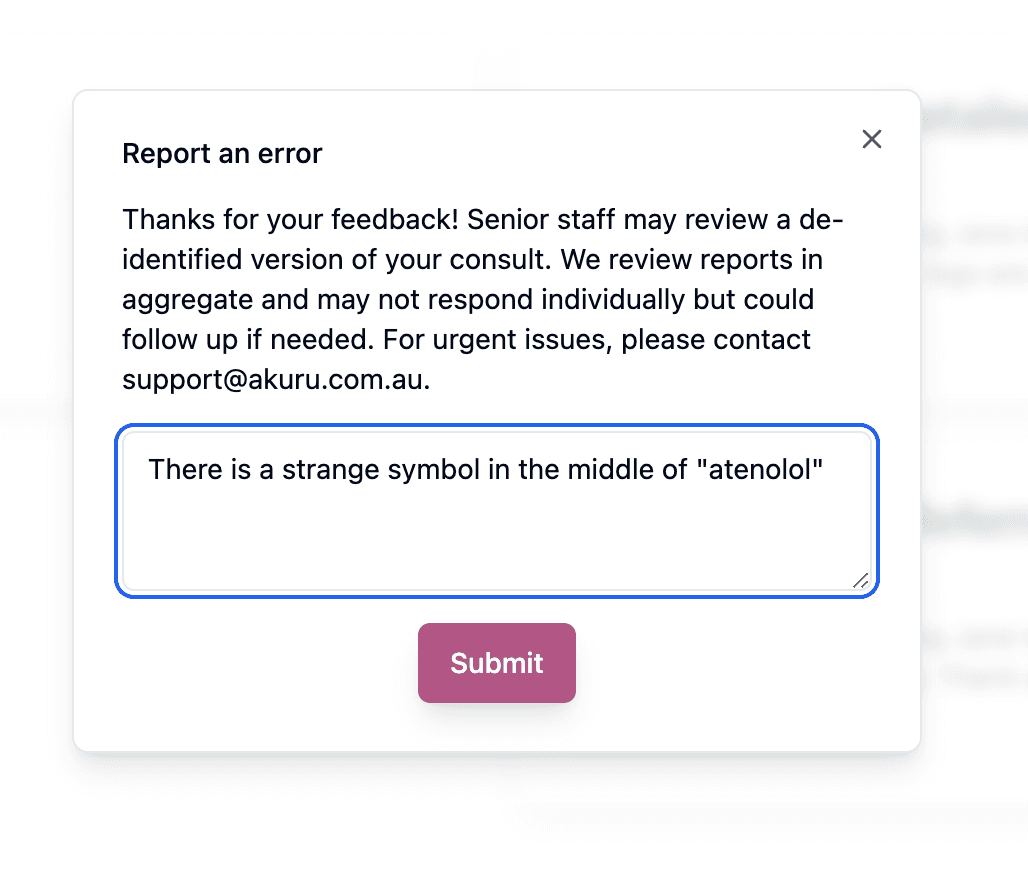
Report error screenshot
- Submit the Flag
- Click"Submit" to finish your report.
If the Issue is Urgent
- If you need immediate assistance or want someone to get in touch with you, email the support address listed in the flagging pop-up - support@akuru.com.au.
This ensures errors are addressed promptly, improving the accuracy and efficiency of documentation.
Was this guide helpful?